Get the scoop in seconds
Free AI summary and chat for YouTube videos with captions. You also get AI chapters and a transcript you can click, all in one panel.
Add to ChromeFree. No sign-in needed to start.
What you get
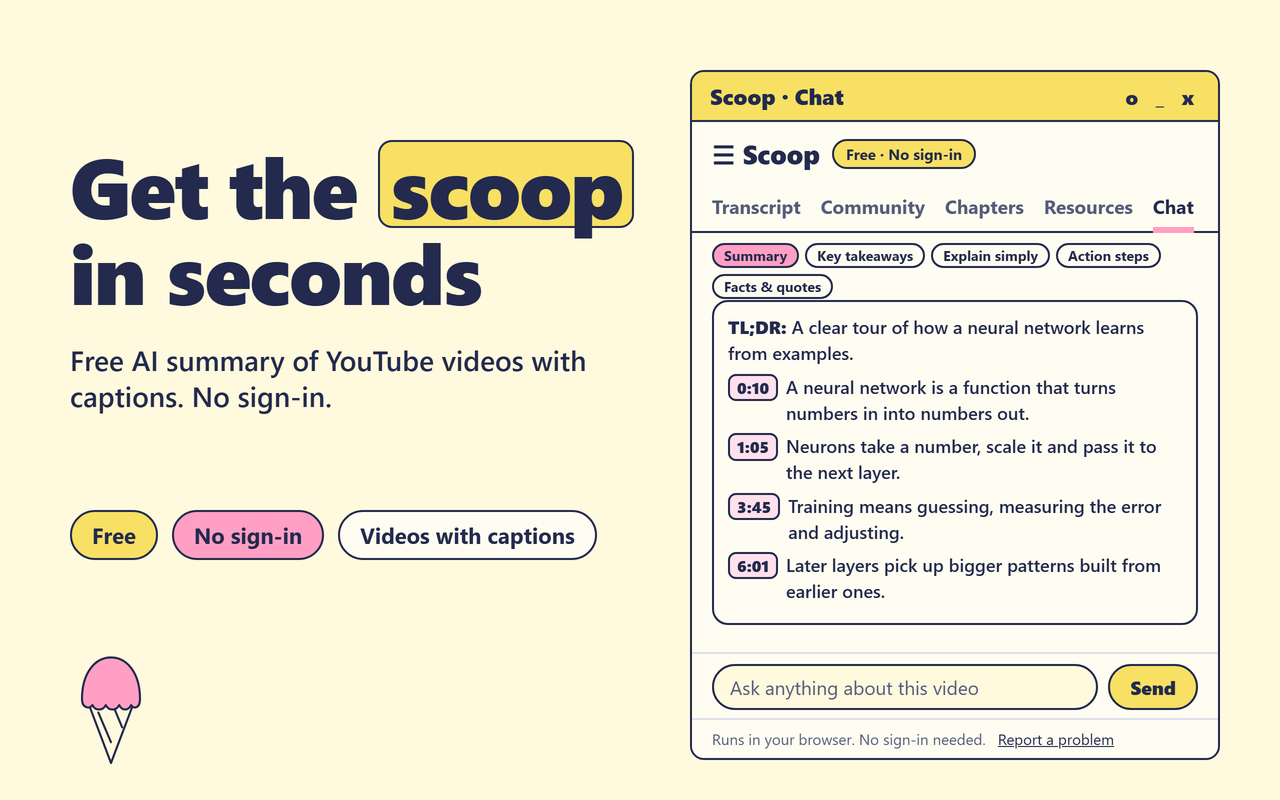
Free AI summary
Press Summary, Key takeaways, Explain simply, Action steps or Facts and quotes. Each answer comes with timestamps you can click.
Ask the video anything
Type your own question and get an answer from the video. Copy any answer with one click.
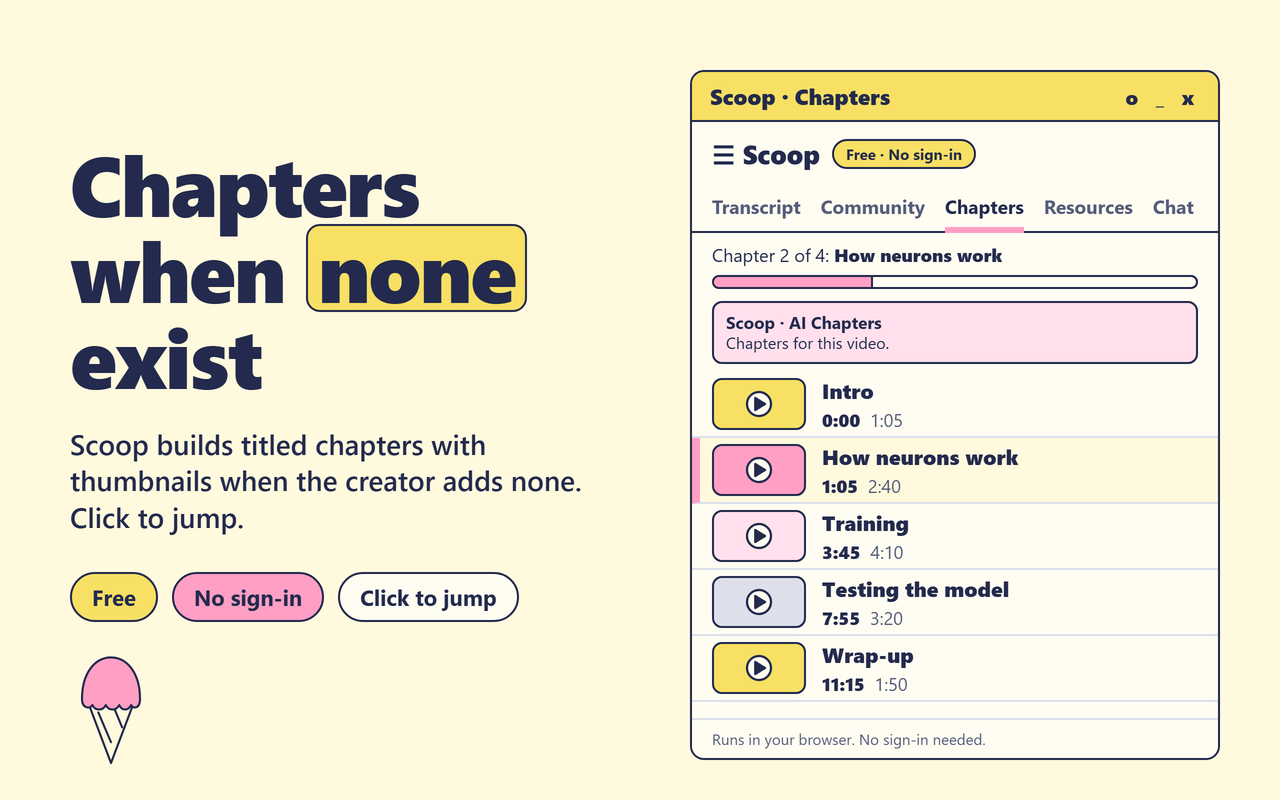
AI chapters
See the creator's chapters, or get titled chapters with thumbnails when there are none. This works best in English.
A transcript you can click
Click any line to jump to that moment. Search the transcript, or translate it and keep the same timings.
Comments and links
See the pinned comment, top comments and comments with timestamps. Find the books, tools and people from the description.
Copy and export
Copy the transcript or save it as TXT, Markdown, SRT, PDF or Word. There is no cap on transcripts or exports.
How it works
Open a video
Go to a YouTube video that has captions. Auto-generated captions work too.
Click Scoop
The panel opens next to the video with the summary, chapters and transcript.
Jump to what matters
Click any timestamp, line or chapter to go straight to that part of the video.
Private and simple
Scoop has no ads and runs in your browser. Your transcript is read from the captions that YouTube already loads. When you ask for an AI answer, the transcript is sent to our server for that reply. Usage statistics are anonymous, and you can turn them off in the panel settings. Read our privacy policy for the details.
Questions
Is Scoop really free?
Yes. Scoop is free to use. Transcripts and exports are not capped.
Do I need to sign in?
No. You do not need to sign in to start. Scoop works as soon as you install it.
Does it work on every video?
No. Scoop needs captions, including auto-generated captions. If a video has none, Scoop tells you clearly.
How many free AI answers do I get?
You get a daily number of free AI answers a day. Summaries and questions share the same count, and it starts again the next day. The panel shows how many are left.
Can I use Scoop on a long video?
Yes, the transcript works on long videos. We tested a podcast that was more than four hours. Free AI answers are not available on extremely long videos.